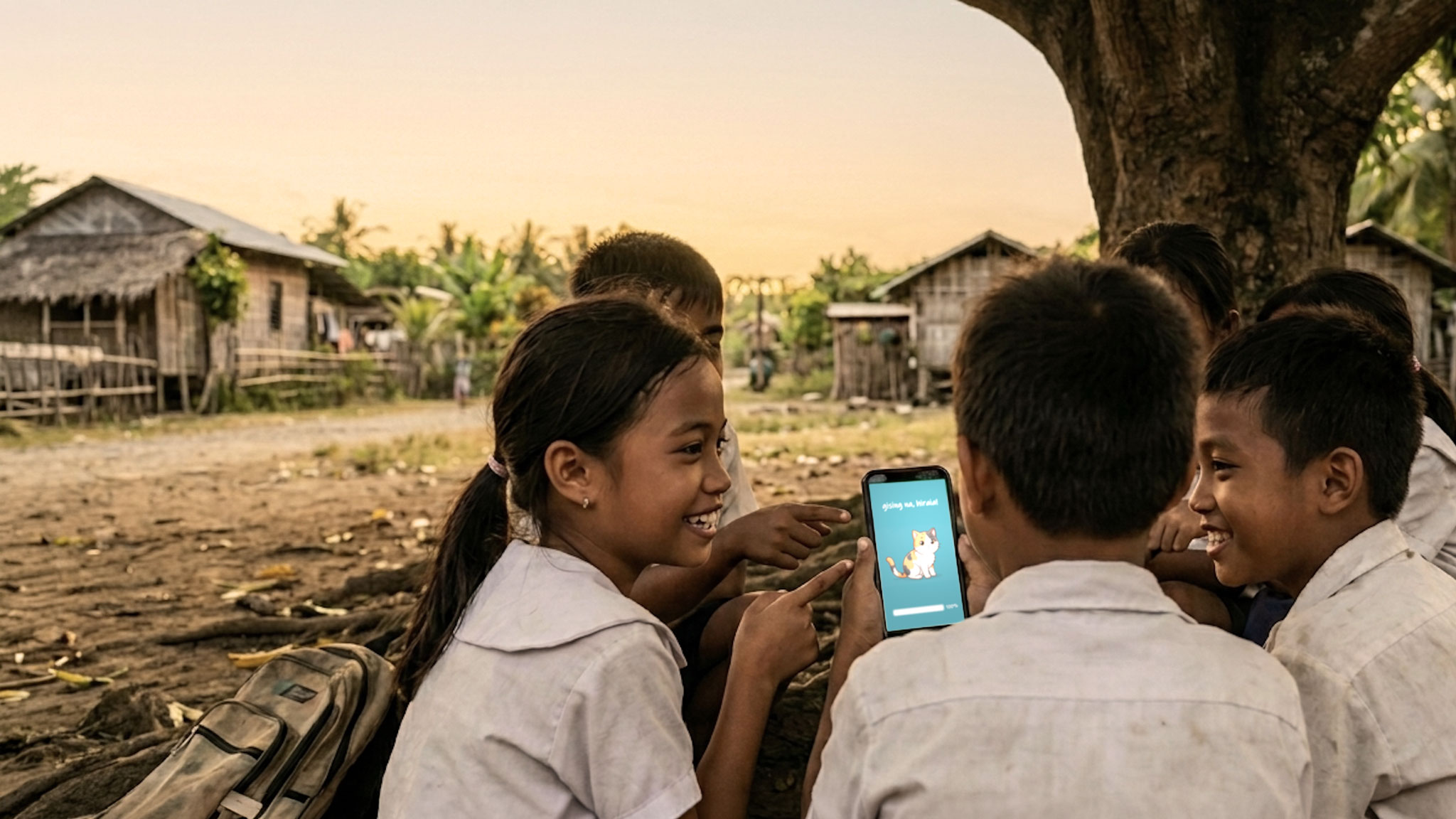
An AI science tutor that runs entirely offline
Our on-device AI works on entry-level Android phones and speaks fluent Tagalog and English.
Download our whitepaper or our pitch deck
Personal science tutor on your phone
Hiraia is a FREE AI tutor for Filipino students that knows what's being focused on at school, and reinforces those lessons at home. After a one-time download, it works without an internet connection … forever! No account registration is required, no information is collected, and no personal data ever leaves the device.
On-device and Offline
The AI model, the illustrations, and our science fact bank all live on the phone. After the first download, no internet is required.
Tagalog and English
Built for Philippine elementary to junior high, based on the Department of Education's new 2027 MATATAG science curriculum.
100% Free Forever
No payments or subscriptions necessary. Download and share freely with friends and classmates.
50k science facts, 30k illustrations, 20k mini-quizzes
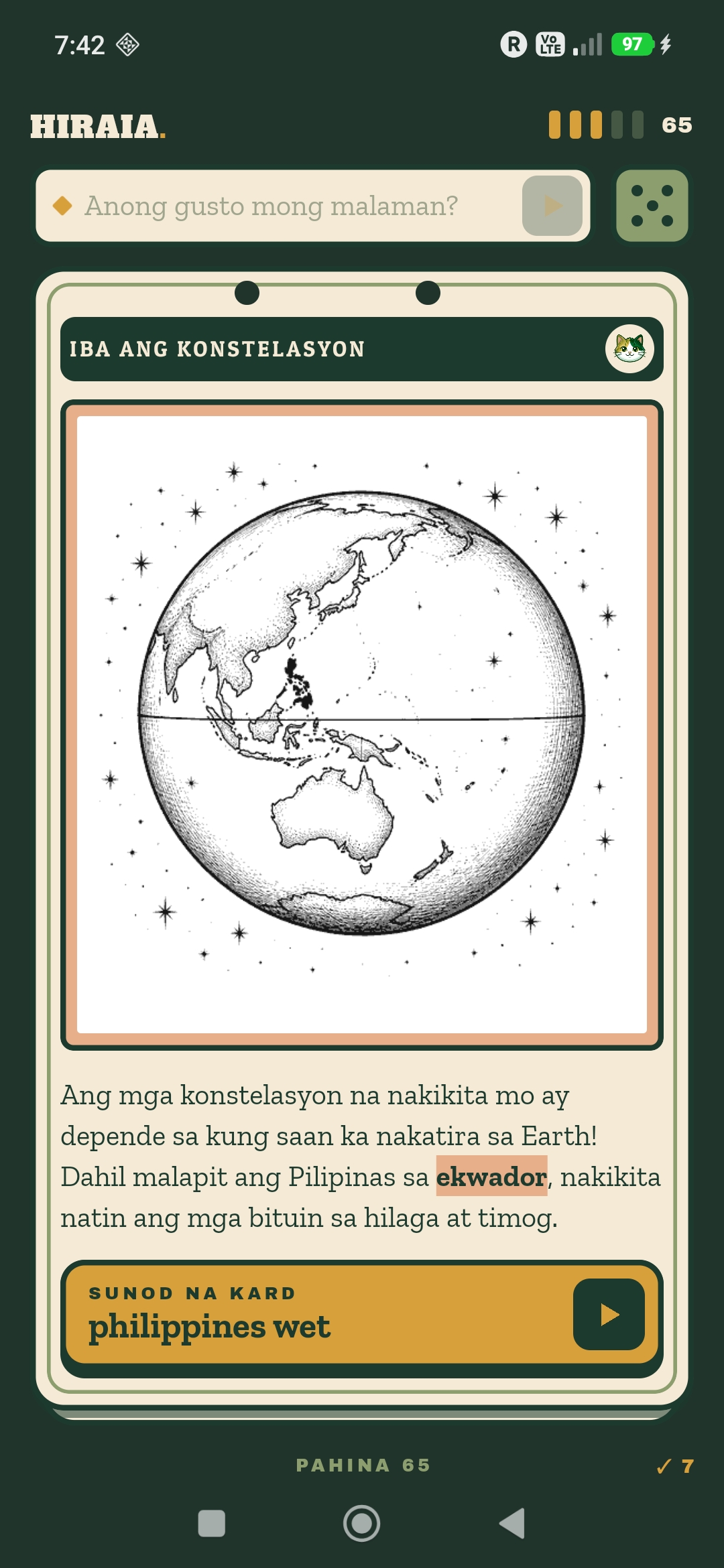
Each card carries one fact and one illustration.
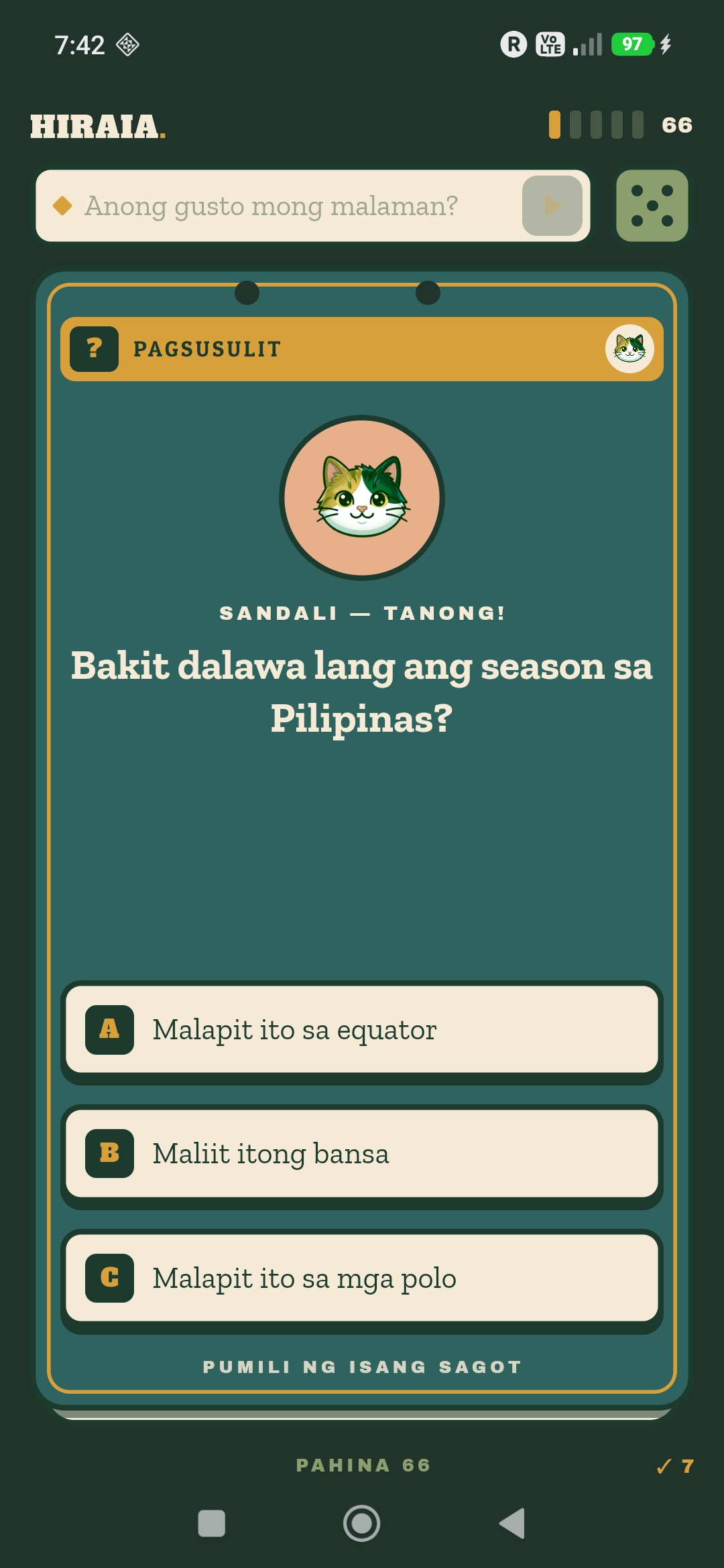
After swiping past a few cards, a quiz checks the student's memory.
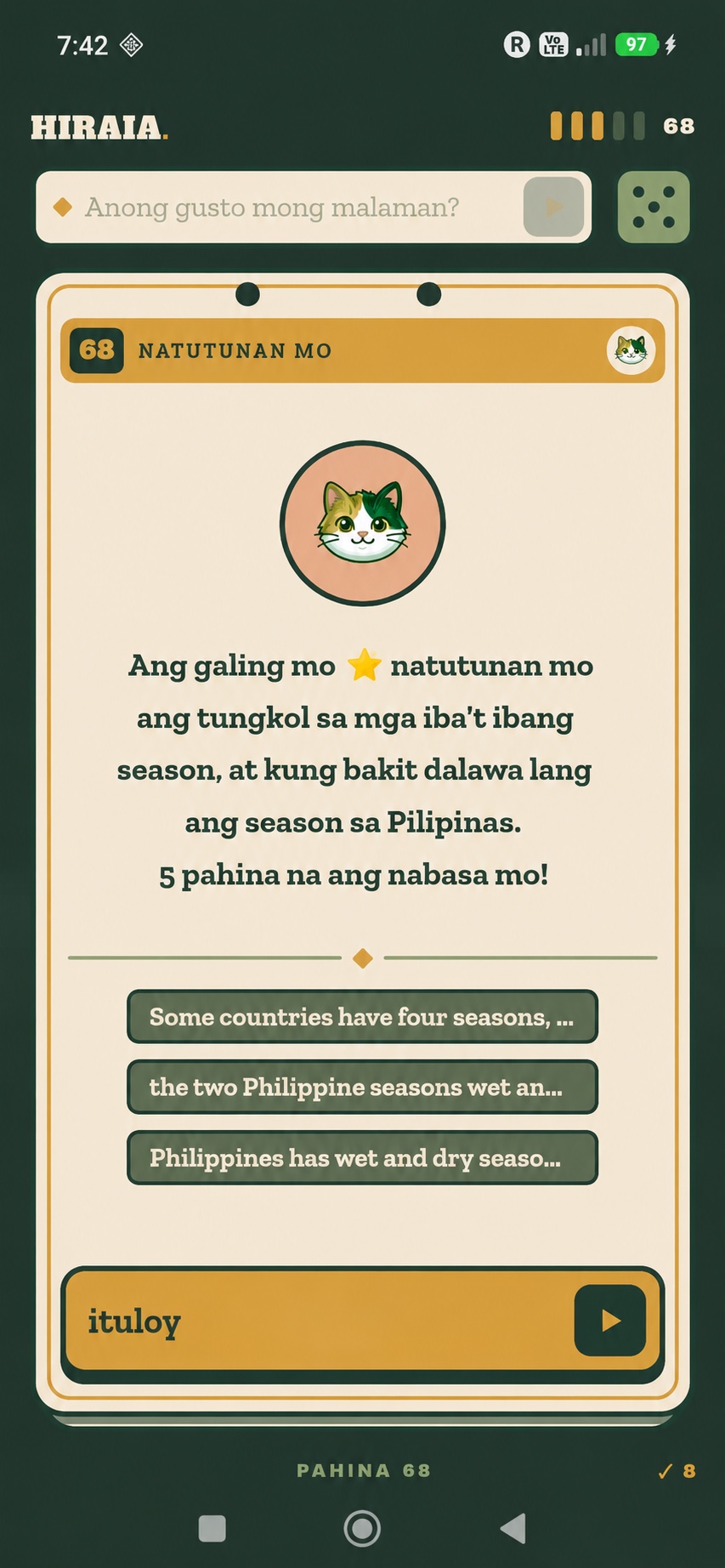
A recap card reinforces the facts already discussed.
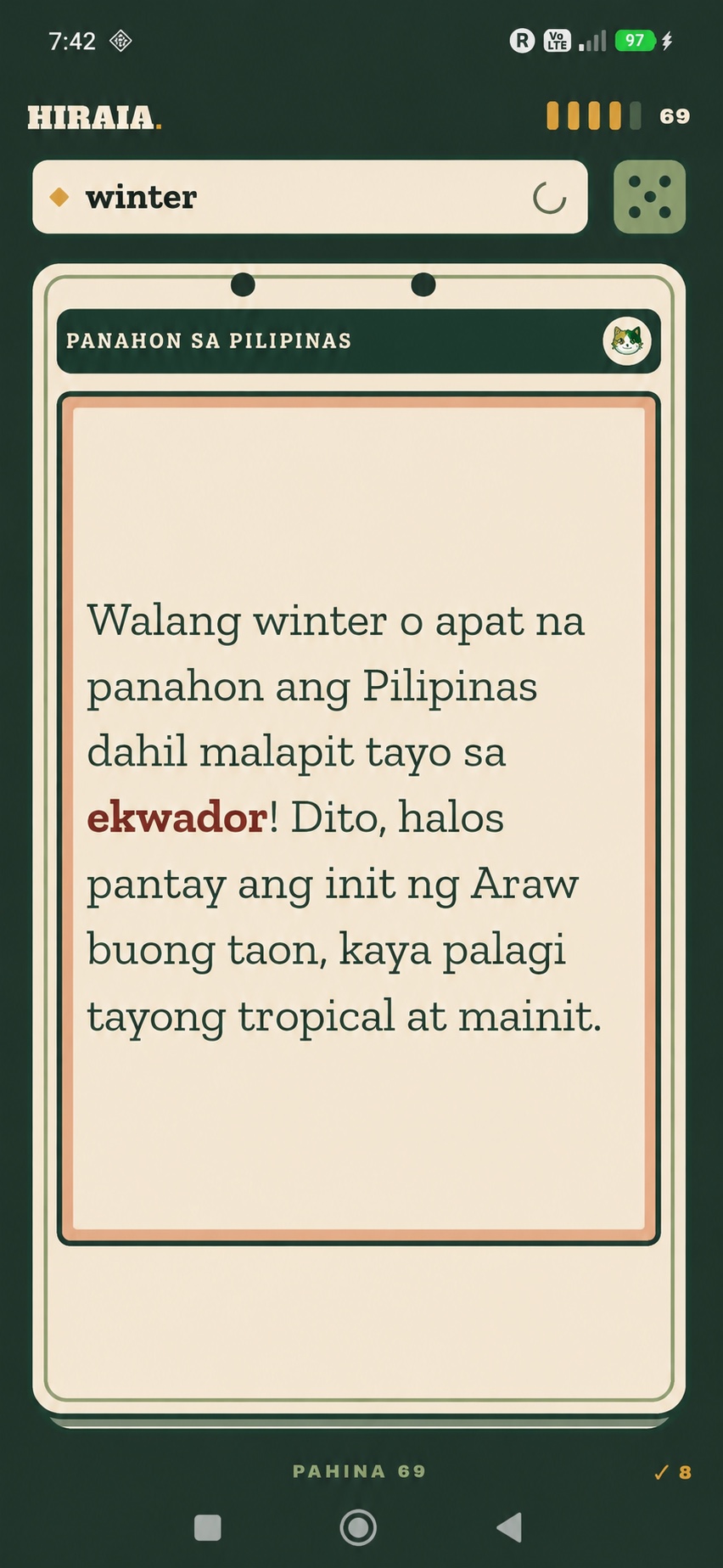
A dynamic card can be generated based on the student's desired topic.
Free to download
No account, no fees. Just download and start learning. The first time you launch the app, it will download its 2GB AI tutoring model. After that, Hiraia no longer requires an internet connection.
Requires Android 10 or newer. 4GB+ of memory is recommended for model-generated cards; the built-in flash-card library works without the model. Android may ask you to allow this one install — that's normal, since Hiraia isn't on the Play Store.
What's new · Changelog
v0.4.17 · Smarter updates and classroom connections
Separate notices for app, tutor-model, and illustration updates. Automatic classroom reconnects and clearer connectivity guidance help keep Hiraia connected to Tala.
v0.3.1 · Clearer curriculum headings
Renamed the Grade 6 topic “Diagrams and flowcharts” to “Changes of State” in the Calendar and card heading, with matching Tagalog and Cebuano labels.
v0.3 · Topic review and device support
- Reopen completed Calendar topics for review without losing progress.
- Updated card titles, categories, illustrations, and interface.
- Memory checks help determine whether the phone can run the local AI model. The curated library remains available on supported Android 10+ devices.
How the download works
The APK includes the curated flash-card library. On first launch, Hiraia automatically downloads common illustrations and images for the selected grade over HTTPS. It checks available memory before downloading or loading the optional AI model. Downloaded content works offline; phones that cannot run the model can still use the curated cards and quizzes.
Hiraia is a continued-pretraining fork of Qwen 3.5-2B, further trained on a Filipino and Bisaya corpus and the DepEd MATATAG science curriculum. Read about its training methodology and architecture in the Hiraia whitepaper.
Meet Tala, Hiraia's free classroom monitoring app for teachers. Connect your students by QR code, follow their learning activity, and keep classroom records on your phone. Requires Android 10 or newer and Google Play services.
One teacher phone. A connected classroom.
Install Tala on the teacher's phone and Hiraia on each student's phone. Students scan the classroom QR code to connect. Keep both apps open and the phones nearby, with Bluetooth and Wi-Fi turned on. Classroom transfers work without an internet connection.
Use separate phones. Running Hiraia and Tala on the same phone is not recommended: student activity cannot transfer between the two apps on one device.
Android may ask you to allow installation from your browser. If Tala is already installed, update it without uninstalling to keep your classes and records.
Notes from the field · 2026
Dev Diary
Hiraia.org website launches
Hiraia featured by BitPinas: an offline AI tutor for budget smartphones. First pilot class launched in Calapacuan Elementary School, Zambales
Introducing Hiraia at Calapacuan Elementary School, Zambales. A hands-on Hiraia demonstration during the pilot launch.
Questions? Check out our FAQs or send feedback directly to helloluis on X, or via our .
The reason
Why we built hiraia
“The average 15-year-old Filipino student has the same math and science aptitude as a 10-year-old Singaporean. Our children are up to 5 whole school years behind children from other countries.”
Creator Luis Buenaventura believes AI can help reinforce science education in the Philippines, but an on-device inference model is the only viable solution when 2/3 of all households don't have a fixed internet connection.
School or Municipal Wifi
Deploying Hiraia at Scale
The tutoring model is a one-time download of about two gigabytes. Fetching that over cellular data, once for every student in a class, is more than most families can spend.
The plan is Pears, a peer-to-peer filesharing protocol, so the download only has to happen once. As long as one student on the classroom Wi-Fi holds a complete copy, the rest of the class can take it from that phone — and from one another — without another trip to the internet, and without a central server. That classroom sharing is not shipping yet.
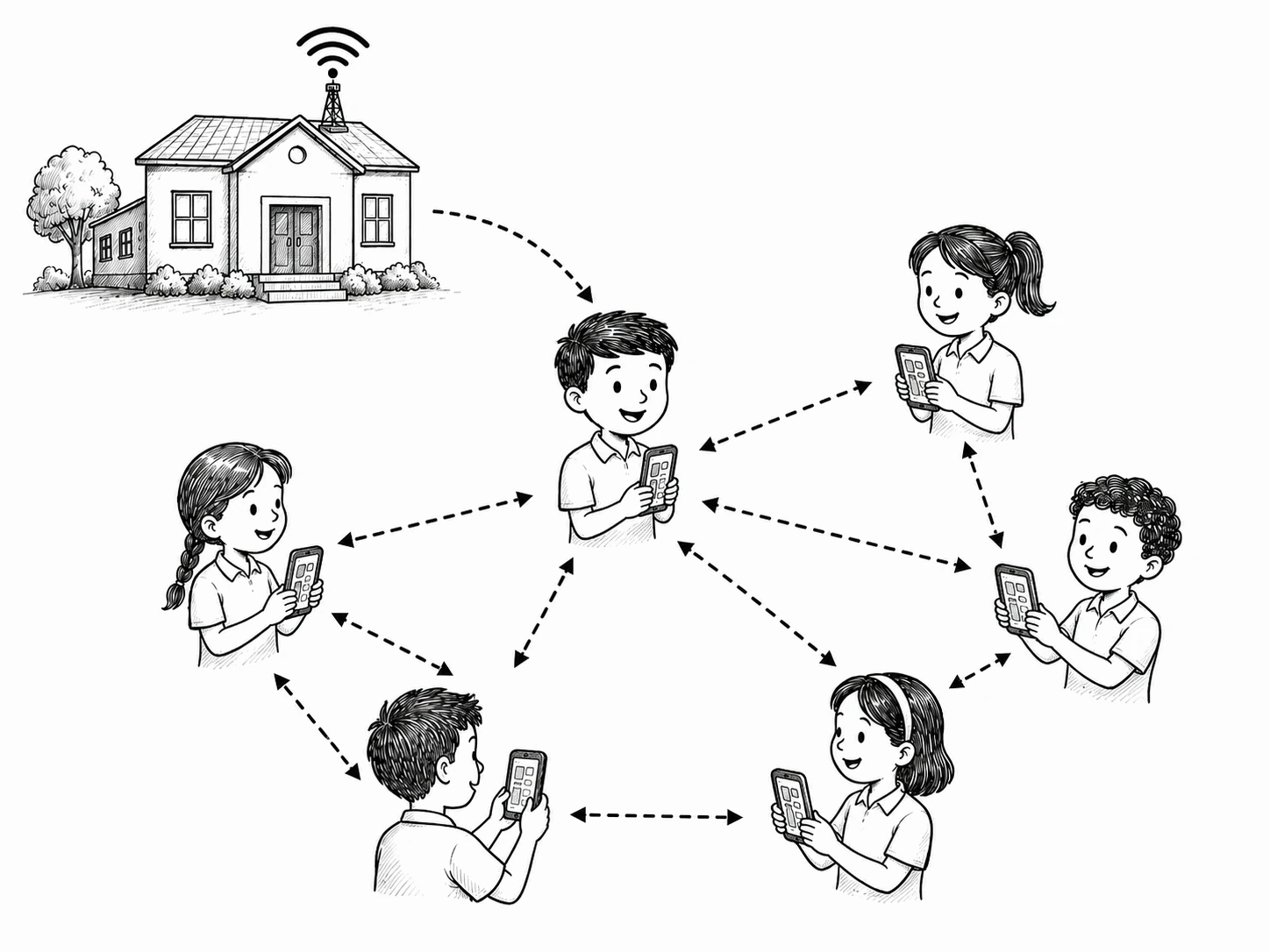
soon!